Play Instantly in Your Browser
No download, no install. Open the forge in any modern browser and dive straight into a 2D world of ore, wood, fire, and faith — keyboard or touch controls.
Free 2D Browser RPG
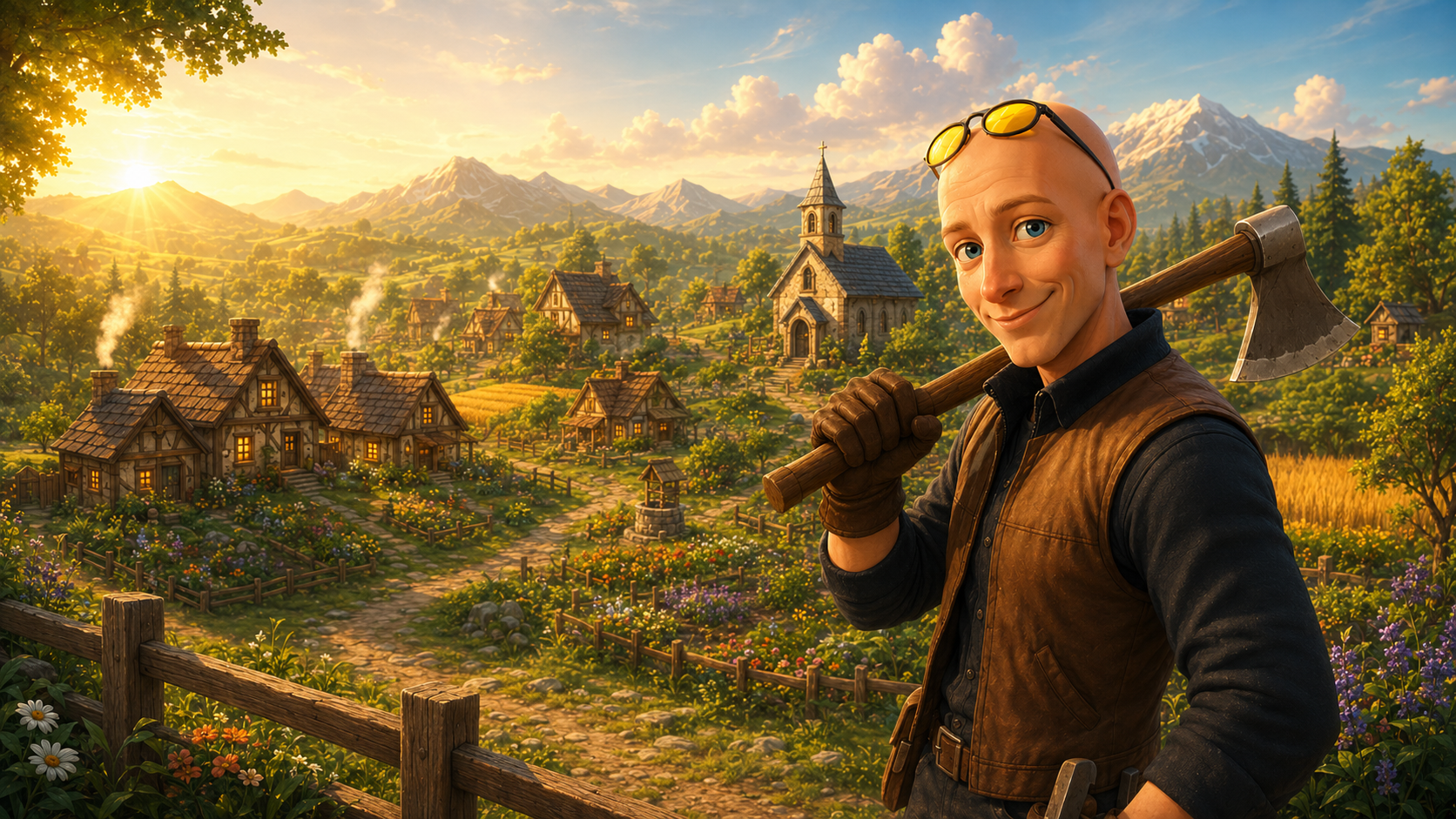
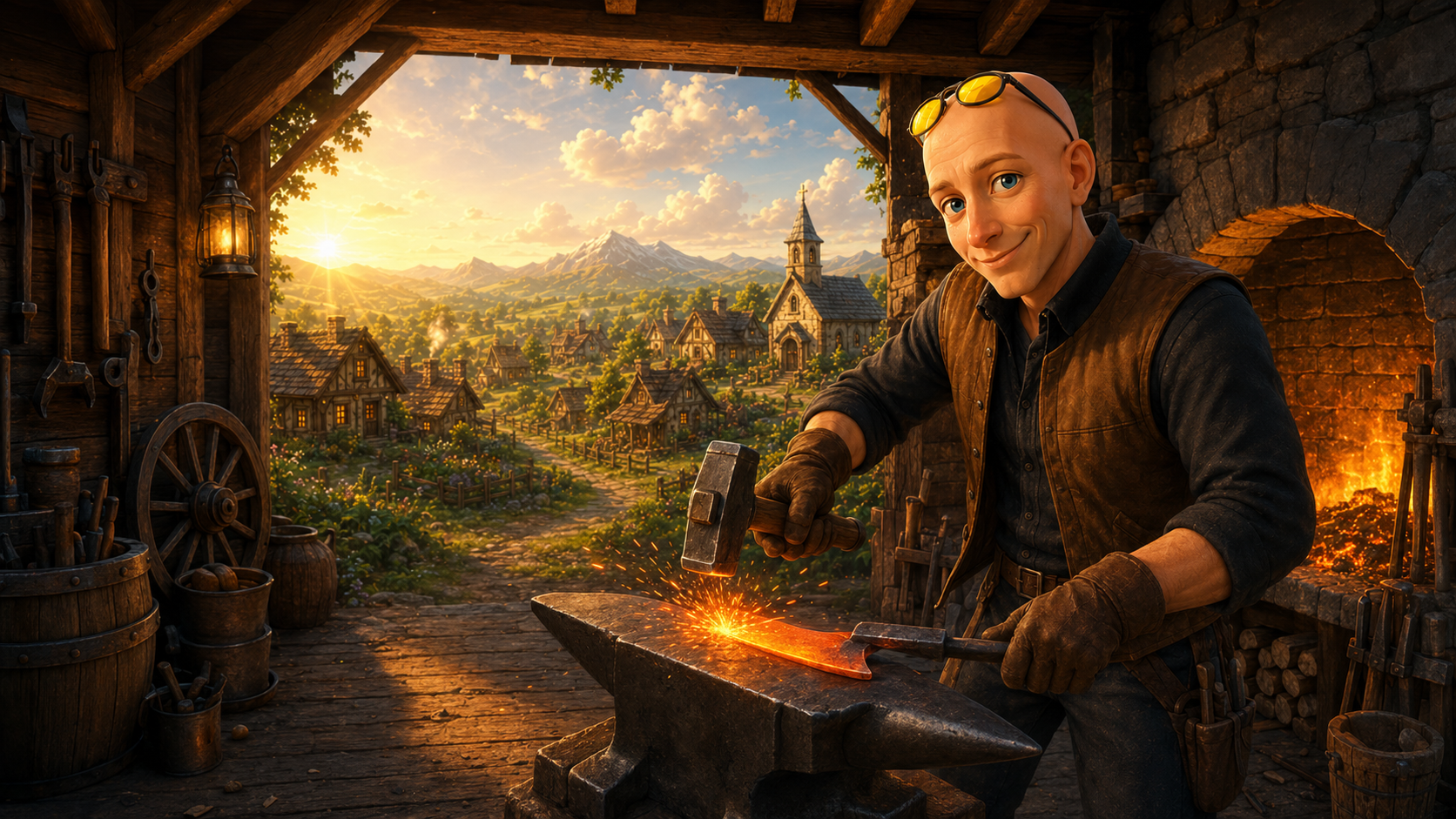
Mine ore on the mountain, pray at the shrine, and forge the village's orders on your anvil. Take on quests, farm your own crops, and explore four hand-crafted maps — play instantly in demo mode, no download required.

No download, no install. Open the forge in any modern browser and dive straight into a 2D world of ore, wood, fire, and faith — keyboard or touch controls.
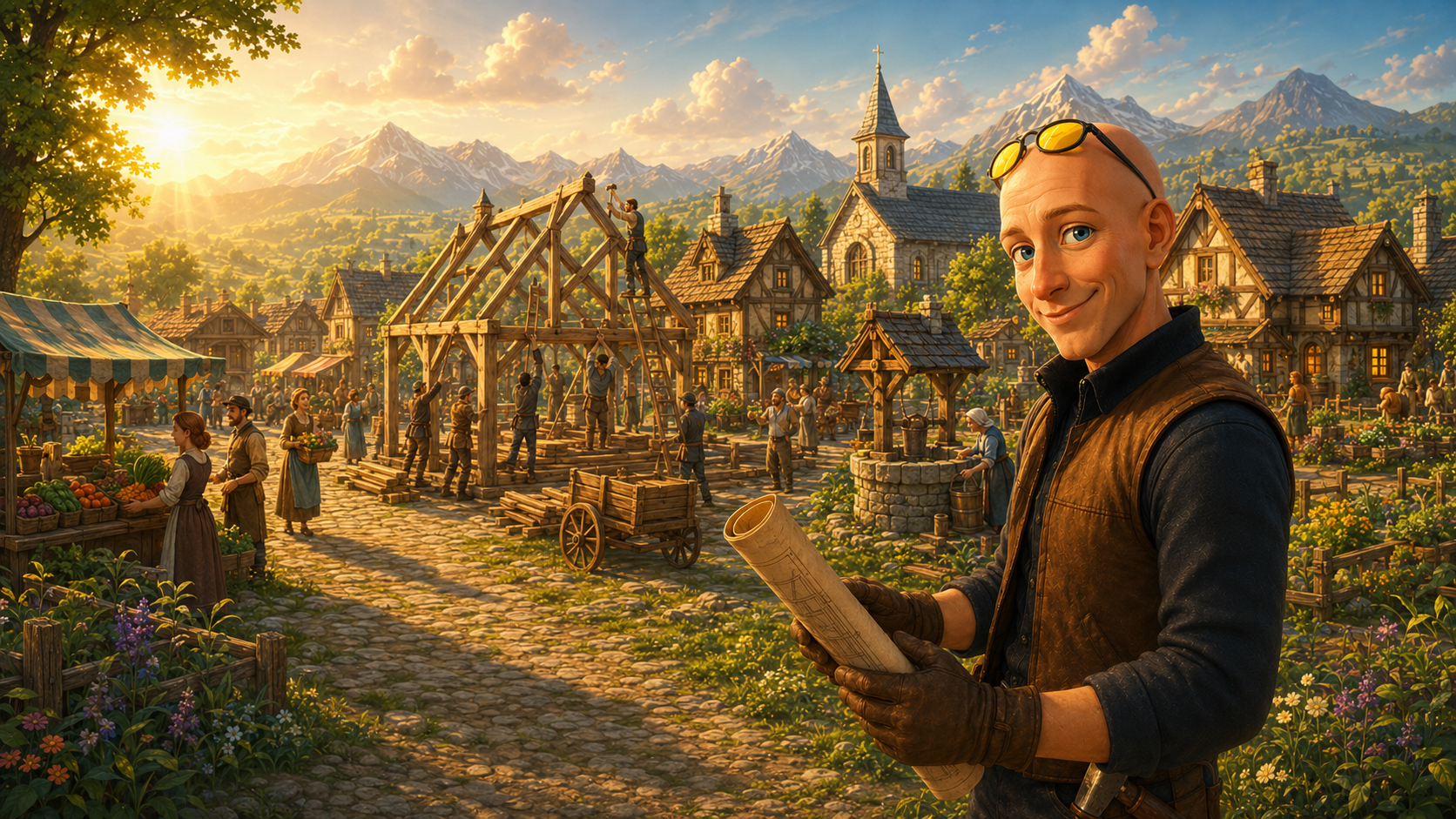
Pick up quests from NPCs, forge the village's daily order at the anvil, and ring the order bell to collect gold and shrine blessings.
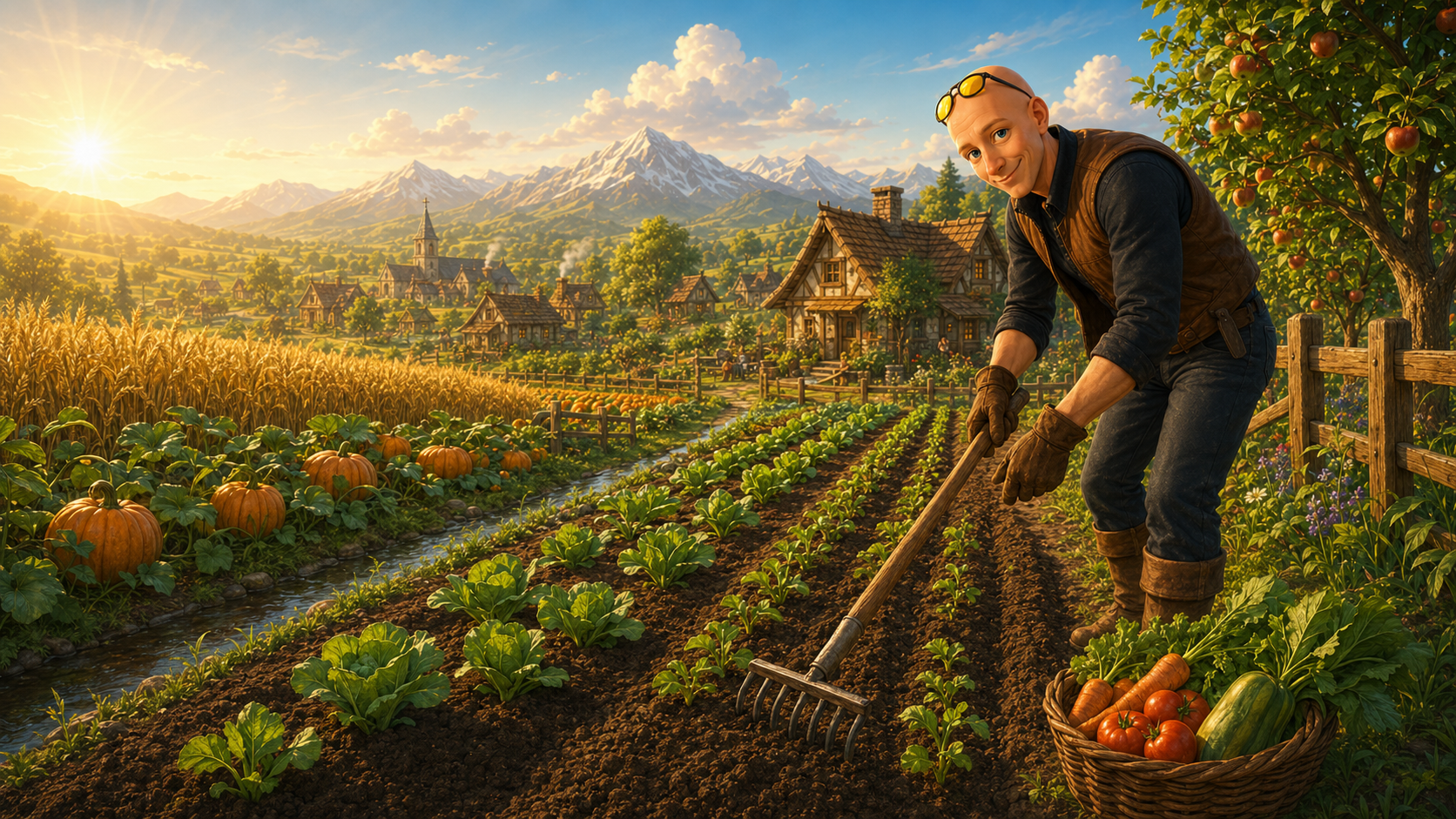
Plant seeds and harvest crops, mine ore on the Mountain, chop driftwood at the Sea, and trade gold for enhancement stones and scrolls in the Web Shop.
Create a free account to keep your gold, inventory, and upgrades. Temper the anvil, polish the shrine bell, and push your enhancement luck with stones and scrolls.
Roadmap
Target date: November 1, 2026. The forge is being shaped one system at a time.
First Session
Forge & Pray is built for a fast first click. The core browser RPG loop starts immediately, then opens into farming, quests, upgrades, and leaderboard progress.
Start in the village, gather the first resources, and understand how movement, gathering, and crafting connect.
Open the gamePick up orders, complete quests, and learn how upgrades, shrine actions, and progression systems fit together.
Read the guideSee what changed recently, compare progress with other players, and follow the roadmap as the browser MMO systems grow.
Explore The Site
These public pages are the shortest paths into gameplay, support, updates, and progression. They also make the game easier to understand before signing up.
Player Questions
This quick overview gives search engines and players the same thing: a clearer picture of what Forge & Pray is, how the browser RPG loop starts, and where to go next on the site.
Yes. The live game loop is browser-based, so players can open the game page, move through the world, gather resources, and interact with the first crafting and quest systems without installing a client.
Start from the game pageThe public guide covers mining, farming, orders, shrine actions, upgrades, and progression basics. That makes the guide one of the best pages for understanding how the early economy and character loop fit together.
Browse the game guideThe news page and homepage update feed show the latest patch notes, announcements, and feature work. For returning players, that is the fastest way to check what changed before jumping back into the forge.
Gameplay Topics
These direct links turn the homepage into a cleaner starting map for the real gameplay systems: farming, gathering, shrine actions, animals, and the long-term village loop.
Start in demo mode to try the forge immediately, or create an account to save progress permanently. Move between the Forge, City, Mountain, Sea, and...
Open this guide topicMine ore with the pickaxe, chop wood with the axe, and collect regional resources from the Mountain, Sea, and farm maps. Resource nodes replenish...
Open this guide topicSpend time at the shrine to gain faith and receive a temporary forge blessing. Active blessings can widen the forge sweet spot or multiply rewards,...
Open this guide topicAt the anvil, gather the required ore, wood, and faith before striking the current order. Timing matters: landing closer to the sweet zone improves...
Open this guide topicFresh Updates
Recent development notes help new players understand whether the game is active, what systems are live, and where the roadmap is moving next.
Adjusted gold costs on several early-game items and fixed a shop discount not being applied correctly at the checkout.
Open this updatePassive skills now unlock at defined milestones and grant permanent bonuses to gathering, crafting, and farming as you level them up.
Open this updateFixed quest rewards not being granted on completion and resolved a case where the quest tracker showed a finished quest as still active.
Open this update